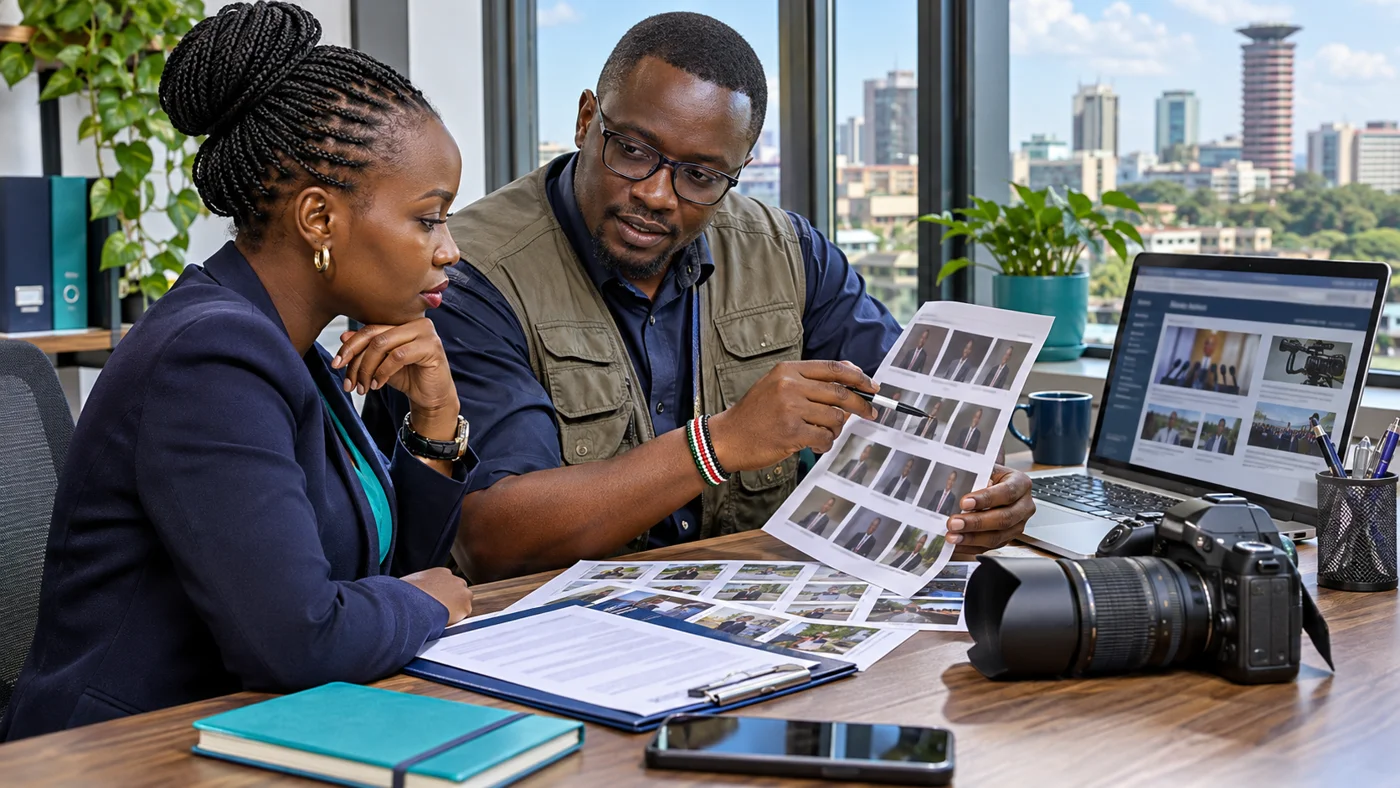
A media centre is a dedicated section where journalists and other visitors can find approved public resources. It can reduce repeated requests for the same biography, portrait or statement and make the correct material easier to identify.
The section does not need to be large. A small collection of current, clearly labelled assets is more useful than an archive of files with uncertain dates or permissions.
Start with common information requests
Ask the person handling press enquiries which resources they regularly send. The answer may include a short biography, a fuller background note, a portrait and recent public statements.
Turn those repeated requests into the first version of the media centre. Leave specialist material out until someone can maintain it and confirm that it is suitable for public download.
Prepare a short and full biography
Label the versions clearly and include an updated date. A short biography is useful for brief introductions, while the longer version can provide fuller context.
Review names, positions, qualifications and dates before publication. If a fact changes, update the webpage and downloadable versions together.
Give a named team member responsibility for approving replacements. The designer should not need to decide between competing biographies supplied by different people.
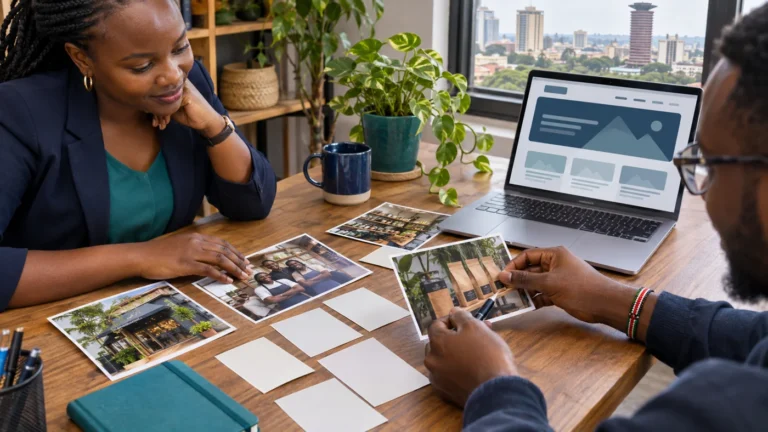
Offer a small selection of approved images
Provide usable portrait files with descriptive labels. Include the subject, photographer credit where required and any conditions supplied by the rights holder.
Distinguish a web-sized image from a higher-resolution file if both are available. Keep the original file quality appropriate for its intended use.
Do not treat access to a photograph as automatic permission to publish it. Ask the asset owner to establish the permitted uses before making the file publicly downloadable.
Organise public statements by date
Each statement should have a descriptive title, publication date and readable webpage text. Where a signed document is necessary, provide the approved download alongside the text.
An archive can group statements by year or subject once the collection becomes large. Start with straightforward navigation rather than a complicated search system with little content.
Corrections need an explicit process. If a statement is replaced, make the status of the earlier version clear instead of leaving competing files equally prominent.
Make press contacts easy to find
Provide a monitored public email address or telephone number and explain its purpose. If general enquiries go elsewhere, link to the appropriate contact page.
Review these details when staff responsibilities change. A media centre loses practical value if all its resources are current but its press contact no longer reaches the team.
Avoid displaying private administration addresses merely because they were used during the website build.
Keep resource pages comfortable on phones
A journalist may open a link while away from a desk. Use readable text, descriptive download labels and straightforward navigation.
List the file type for each resource. Provide meaningful alternative text for informative images and use clear link wording that describes the destination.
W3C’s guidance on image text alternatives explains why the description should reflect an image’s purpose rather than repeat decorative details.
Decide what should remain internal
The public media centre should contain reviewed public assets. Internal briefings, private contact lists and unpublished drafts belong in a controlled workspace with separate access.
Before uploading a document, check its contents, attachments and visible annotations. Choose an approved export rather than publishing the team’s working file.
A final public-review step helps prevent the wrong version from becoming a downloadable resource.
Use a maintenance checklist
Set a recurring internal review for biographies, contacts, file links and image permissions. Record which assets were checked and who approved any replacements.
Top Web Design Kenya can create a media centre as part of a new website or add one to an existing site. Share your current public resources and the enquiries your team handles so the section is built around actual needs.
Explore our political website design service or request a website quote. Call 0721 985 722 or email mail@topwebdesign.co.ke.