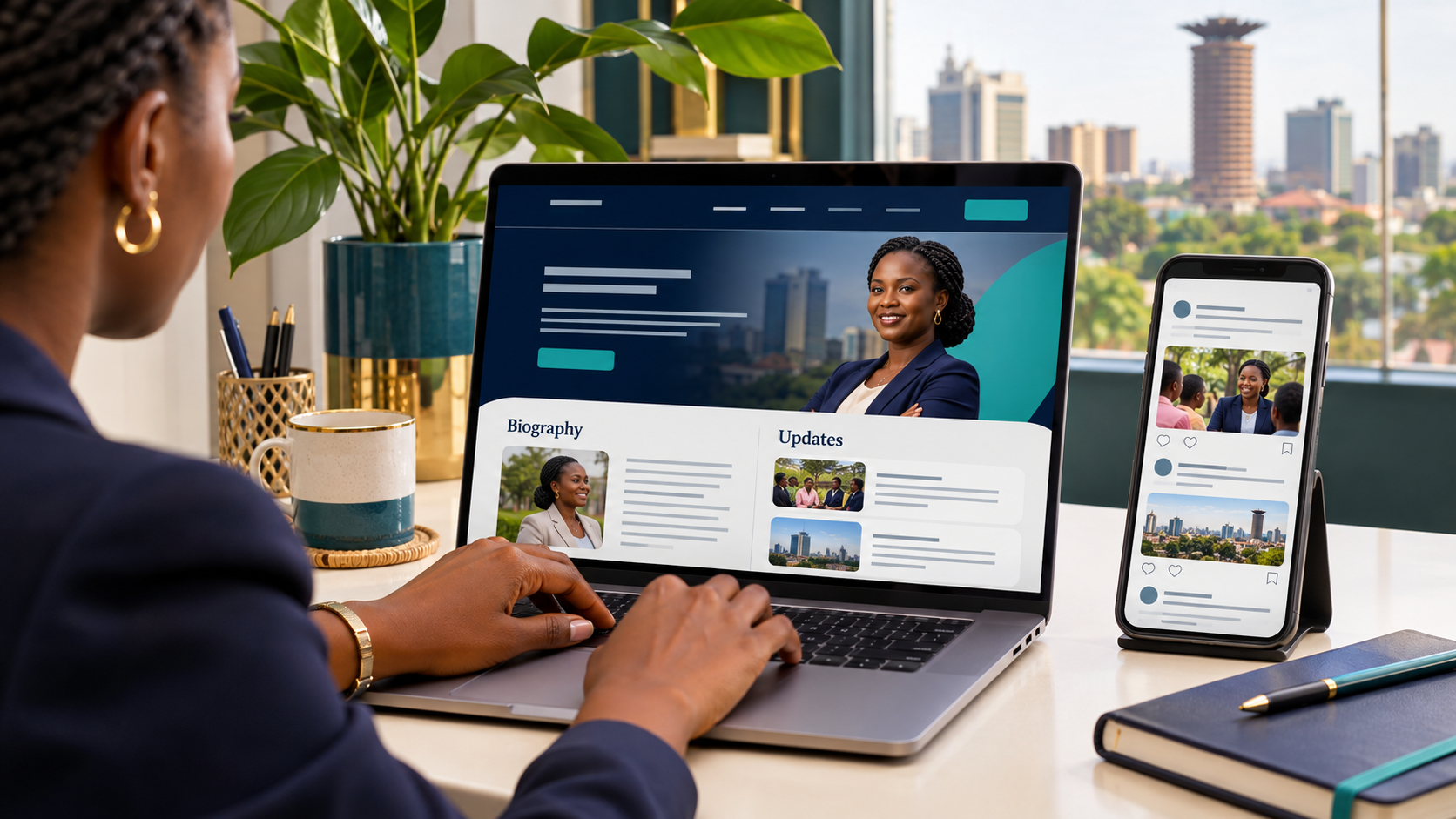
If you already use Facebook, Instagram, TikTok or WhatsApp, do you still need a candidate website? For a public profile that people can explore in detail, a website and social media can serve useful, complementary roles.
Social media provides a place for short updates and conversations. A candidate website gives your biography, published priorities, documents and public contacts a consistent structure under your own domain. The practical question is what information belongs in each place and how your team will keep it accurate.
What is the difference between a candidate website and social media?
A social profile presents information within a platform’s format. Posts appear in a feed, alongside comments, images and video. It works well for brief announcements, photographs and links to further information.
A website lets you organise information into dedicated pages. Someone looking for your biography can open an about page. Someone seeking a manifesto can go directly to the relevant document. A journalist can find a public media contact without searching through unrelated posts.
Both require ongoing management. A website also involves domain and hosting arrangements, while social accounts need appropriate access controls and a clear publishing process.
Where social media fits
Social channels can introduce an announcement, show a short event update or let people follow your public activity. A concise post can explain what has happened and direct readers to a longer statement when more context is needed.
The difficulty arises when information that should remain easy to find exists only in the feed. A biography published several months ago may be separated from a newer correction. Important contact details may appear in an image that is difficult to read on a phone.
Use your public profiles consistently: identify the candidate clearly, maintain current contacts and link to the website where visitors can find detailed information.
Where a candidate website adds value
A candidate website provides a public reference point for information that visitors may need repeatedly. Start with a clear introduction stating the candidate’s approved name, intended position and area.
Build around a small number of useful sections: a biography, published priorities or manifesto, news, confirmed events and contact information. Add further sections when there is enough approved material and someone responsible for maintaining them.
An independent domain gives you a consistent address to include on public materials. Retaining control of the registration account and renewal arrangements should be part of the project brief.
Make longer information easier to navigate
Consider a manifesto. A social post can introduce its publication and link to the website. The website can explain the document’s structure, display its publication date and provide the approved download.
This approach gives readers context before they open a file. It also gives your team one clearly identified page to update when a new version is approved.
Apply the same principle to biographies and statements. Give each substantial document an appropriate location, use descriptive page titles and identify when the information was published. Archive older versions clearly where they need to remain available.
Connect the channels with a simple publishing process
Start with the approved full information. Publish it on the relevant website page, then prepare a short social update that links to it. Check that the summary, date and contact details agree across both.
For example, a confirmed event announcement should have one accurate set of details. If the venue changes, update the website and the relevant social posts together. Assign someone to check that old information is not still being presented as current.
A small team may use one editor and one approver. The important point is knowing who has authority to publish and who handles corrections.
Design for visitors using phones
A link shared through a social app should lead to a page that is comfortable to read. Keep headings clear, make menus straightforward and avoid placing essential information only inside images.
A visitor should be able to read the introduction, open the manifesto and find a contact option without zooming or navigating several pop-ups. Use appropriately sized photographs and give visitors a choice about loading video.
Test these actions on a phone using an ordinary connection. Check document downloads and enquiry delivery as well as the appearance of the homepage.
Decide who handles public enquiries
Choose contact routes your team can monitor. A website might provide a public email address and a short form, while a social profile may receive messages through its platform.
Agree on who responds through each channel. Ask only for information needed to handle the enquiry, and keep public contact details separate from private administration accounts.
More contact options are useful only when someone can maintain them. A smaller set of working routes gives visitors a clearer next step.
Can you start with a smaller website?
Yes. A compact website can introduce the candidate, summarise their background, link to approved publications and provide public contacts. A fuller site may be appropriate when you regularly publish news, maintain a document library or need separate pages for different enquiries.
Scope the website around the content you have and the process you can support. Ask your developer to explain what the initial price includes, which costs recur and how additional pages or updates are charged.
Common questions
Does a website replace social media?
No. Each has a different role. Your website can organise detailed information, while social profiles provide additional places for updates and links. Keep their public details consistent.
Should a candidate website include every social post?
It does not need to. Choose material that helps readers understand the candidate’s background and public activity. A dated news archive can preserve important announcements without duplicating every short update.
What should I prepare before requesting a quote?
Prepare an approved biography, portrait, logo if available, published priorities, public contacts and a list of required pages. Mention your preferred launch date and who will supply and approve updates.
Plan your candidate website with Top Web Design Kenya
Top Web Design Kenya builds aspirant, candidate and political party websites with clear page structures, mobile-friendly layouts and practical enquiry options.
Explore our political website design service or request a candidate website quote. We can help define a suitable scope around your content, branding and support requirements.
Call or WhatsApp: 0721 985 722
Email: mail@topwebdesign.co.ke