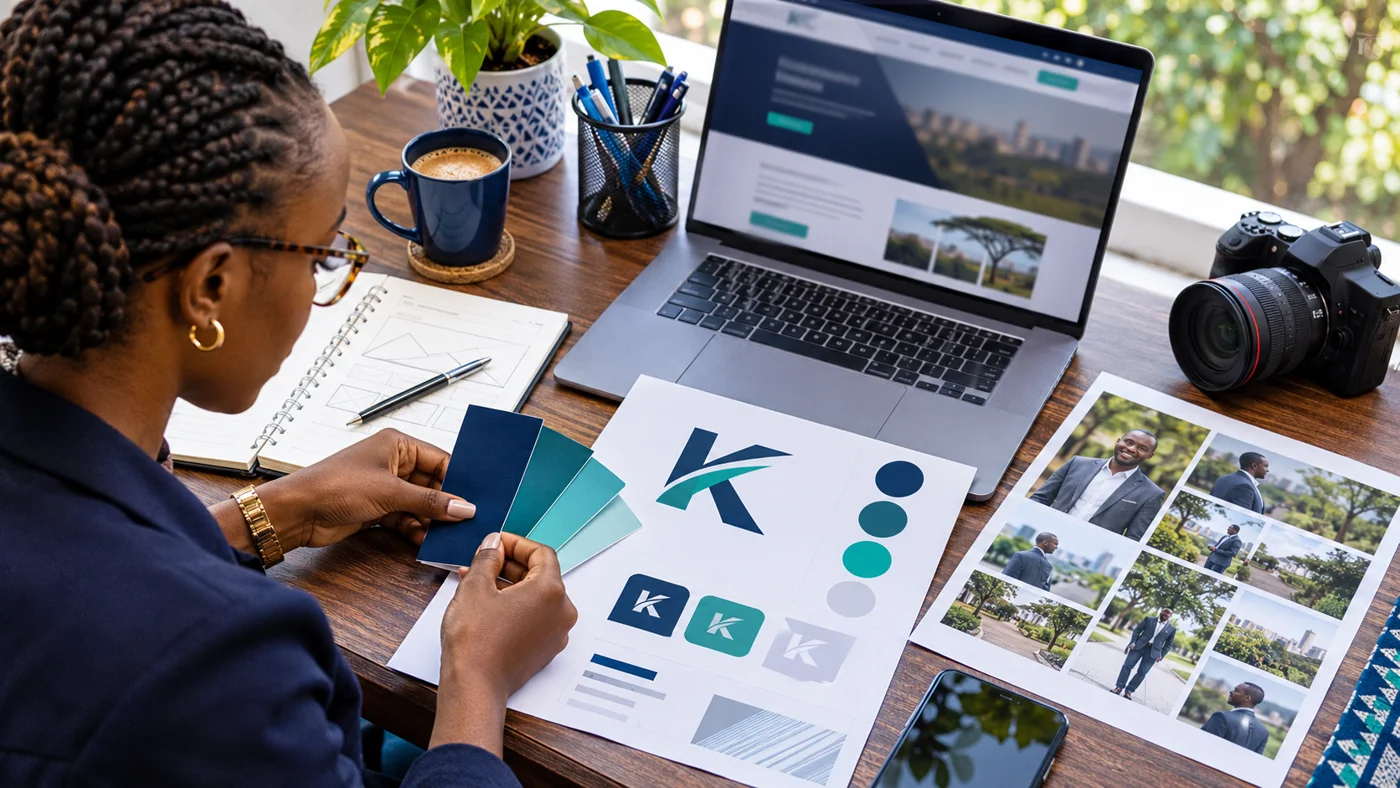
A candidate website looks more coherent when its logo, photographs, colours and typography are prepared together. Good branding also solves practical problems: a name must remain readable on a phone, a portrait needs an appropriate crop, and documents should be recognisable as belonging to the same public profile.
The most useful starting point is a small, organised set of approved assets, rather than a folder containing every design ever produced.
Confirm the name before designing the logo
Agree on spelling, name order and any initials that will appear publicly. Decide whether the website identity includes a position or area and how that wording will be updated if circumstances change.
Provide the same approved wording to the website designer, photographer and anyone preparing documents. Inconsistent names create avoidable revisions and can leave different identities visible across your public channels.
Supply logo formats that fit different uses
Ask the logo designer for an editable master and suitable web exports. A horizontal wordmark may work well in a desktop header, while a compact mark can be easier to accommodate on a small screen.
Provide versions that work against light and dark backgrounds. Check that transparent files are genuinely transparent and that small lettering remains readable after the logo is reduced.
Keep a simple record of the approved version. Filenames such as “final-new-latest” make it difficult for a team to know which file to use.
Choose colours with readability in mind
A colour palette should help people distinguish headings, links and buttons. It should also keep text clear against its background.
Test the actual combinations used on the website. A colour that works as a decorative accent may be unsuitable for small text. Do not rely on colour alone to identify an error, selected item or important instruction.
Ask your designer to review contrast using an accessibility checker. The outcome should guide design decisions rather than an assumption that a particular colour always works.
Prepare a portrait for the website layout
A photograph intended for a poster may not suit a wide website introduction. Request a few useful compositions: a clear head-and-shoulders portrait, a wider frame with breathing room, and an image suitable for a square crop.
Check the mobile crop before approval. The face should remain comfortably visible when the surrounding layout changes. Avoid placing essential wording inside the photograph because cropping can remove it.
Curate other photographs with context
Select images that support the actual content of the site. Provide captions identifying the occasion, place and date where appropriate, and confirm that publication has been authorised.
Keep the original files as well as optimised web versions. Repeatedly downloading pictures from messaging apps can leave the designer with reduced-quality copies.
For meaningful images, W3C recommends text alternatives suited to the image’s purpose. A useful description explains relevant content rather than listing keywords. See the W3C images tutorial.
Define where the identity will appear
Review the logo in the website header, mobile navigation, browser icon and shared-link image. Also check document covers and downloadable media assets if they are included.
These uses need consistency, but they do not need identical layouts. A browser icon has very different space constraints from a full biography page.
Approve a small brand handover pack
Keep the logo masters, web exports, colour values, typeface information and selected photos together. Include a short note explaining which versions to use and who can approve changes.
This makes future updates easier when another editor joins the team or a supplier prepares new materials. It also reduces the chance of recreating a logo from a low-resolution screenshot.
Plan your candidate website identity
Top Web Design Kenya can help organise your existing branding or scope the additional design work your website needs. Share the approved name, available logo files and photographs so the quotation reflects the actual preparation required.
Explore our political website design service or request a website quote. Call 0721 985 722 or email mail@topwebdesign.co.ke.